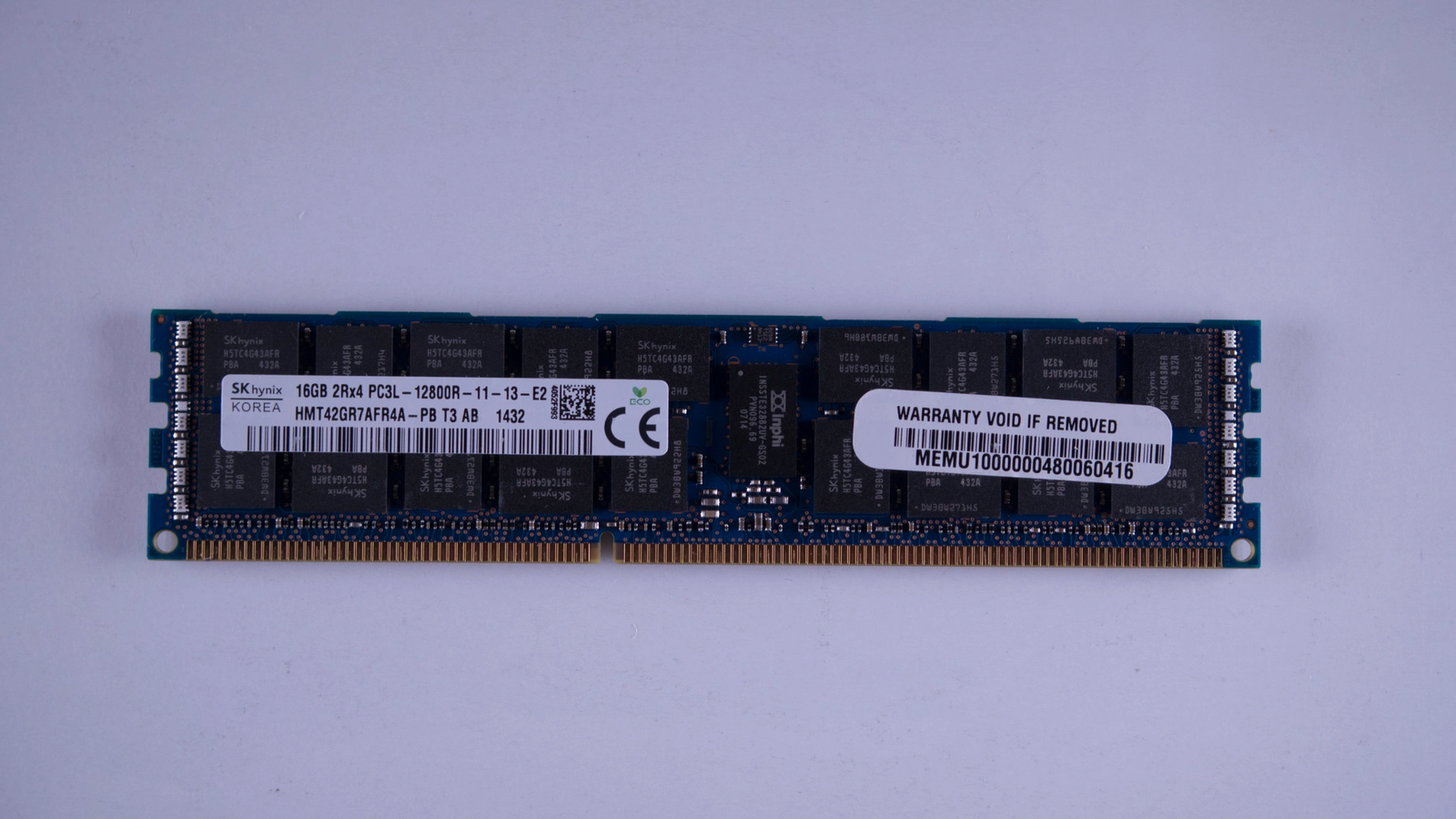

How DDR4 Memory Modules Support Business Computing Systems
Business computers handle a wide range of tasks, from managing customer records and processing financial data to running office applications and hosting company databases. These activities require memory that allows systems to access information quickly while running multiple programs. DDR4 Memory Modules provide this working memory for many desktops, workstations, and servers. They help business systems manage everyday workloads, support multitasking, and maintain consistent performance. For companies maintaining existing IT equipment, understanding how DDR4 memory works can help with upgrade decisions, system maintenance, and hardware planning. RAM Exchange offers a relevant resource for businesses exploring memory components for their computing needs.
What DDR4 Memory Does in Business Computers
DDR4 stands for Double Data Rate 4, a generation of synchronous dynamic random-access memory (SDRAM). It temporarily stores the data and instructions a computer needs while its processor performs tasks. Unlike a storage drive, which keeps files when the computer is switched off, RAM holds information for quick access during operation. Business applications rely on this temporary storage to function properly. When employees open spreadsheets, edit documents, access customer management software, or switch between browser tabs, the system uses RAM to keep active data readily available.
DDR4 memory supports business computing in several ways:
- Faster data access: It helps processors retrieve active information without repeatedly accessing slower storage devices.
- Better multitasking: Sufficient memory allows employees to run several applications at the same time with fewer slowdowns.
- Consistent application performance: It helps systems manage workloads that require frequent access to data.
- Support for larger workloads: Higher memory capacities allow compatible computers to handle more demanding applications.
These advantages depend on the computer’s processor, storage, operating system, workload, and available memory capacity. Installing compatible RAM can improve performance, but it cannot resolve every hardware limitation.
Managing Multiple Applications Throughout the Workday
Office employees often use several programs simultaneously. An accounting professional might work with spreadsheets, financial software, email, and a web browser, while a customer service employee may need customer records, communication tools, and reporting applications open together. When a computer has insufficient RAM, it may move some inactive data to a storage drive. This process, known as paging or swapping, can cause delays because storage devices generally respond more slowly than system memory.
Adding suitable DDR4 Memory Modules can reduce this pressure when the original memory capacity is too low. Employees may experience smoother application switching, fewer pauses, and better responsiveness during routine work. The improvement depends on actual usage. A computer that already has enough RAM may show little benefit from an additional upgrade. Reviewing memory usage through system monitoring tools helps businesses determine whether more capacity is necessary.
Supporting Business Servers and Shared Applications
Servers often manage workloads for multiple users at once. They may host databases, internal business applications, shared files, virtual machines, or company websites. These systems need enough memory to keep frequently accessed information available while handling requests from different users. DDR4 memory can support compatible servers by providing working space for application processes, database operations, and cached information. Adequate capacity can also help reduce unnecessary disk activity during busy periods.
Businesses using virtualisation need to pay particular attention to memory allocation. A single physical server may run several virtual machines, each requiring RAM for its operating system and applications. If the available memory is spread too thinly, performance can suffer across multiple services.
IT teams should assess:
- The number of virtual machines running on each server.
- Memory requirements for databases and business applications.
- Expected user activity during peak working hours.
- Room for future workloads and software changes.
RAM Exchange can be considered by businesses researching memory components for compatible computing equipment. Server upgrades should always follow the hardware manufacturer’s specifications, including supported memory types, capacity limits, and configuration requirements.
Why Memory Capacity Matters More Than a Simple Upgrade
Memory speed receives considerable attention, but capacity is often the more immediate concern for business computers. A system with insufficient RAM can struggle even if its memory operates at a supported speed.
The right capacity depends on how the computer is used. Basic administrative work usually needs less memory than video editing, engineering software, data analysis, or virtualisation. Server requirements can be considerably higher because several applications and users share the same resources.
Before purchasing DDR4 Memory Modules, businesses should consider the following factors:
- Current RAM capacity: Check the installed memory and how much is available during normal workloads.
- Application requirements: Review the recommended specifications for essential business software.
- Peak usage: Monitor memory consumption during the busiest part of the workday.
- Upgrade headroom: Check the maximum supported capacity and the number of available memory slots.
- Operating system limits: Confirm that the operating system supports the intended memory configuration.
A planned upgrade based on real usage can be more effective than purchasing additional memory without checking system requirements.
Compatibility and Reliability During Hardware Upgrades
Not every DDR4 module works in every computer. Compatibility depends on the motherboard, processor, system design, and memory specifications. Desktop computers, laptops, and servers may use different physical module formats, so the correct type must be identified before ordering. Common considerations include module type, capacity, speed, voltage, and error-correction support. For example, some servers require ECC memory, which can detect and correct certain types of memory errors. Registered memory is also used in many server platforms, but it is not interchangeable with unbuffered memory unless the hardware explicitly supports the configuration.
Mixing modules with different specifications may also affect the system’s operating speed or stability. Businesses should consult the equipment manual or manufacturer’s compatibility information before making changes. Companies comparing computer memory products should review the specifications carefully rather than relying on the DDR4 label alone. Keeping records of installed components, system models, and upgrade dates can also make future maintenance easier.
Extending the Useful Life of Existing IT Equipment
Replacing every computer as soon as performance declines can place unnecessary pressure on an IT budget. In some cases, a memory upgrade can help extend the useful life of compatible equipment, particularly when slow performance results from limited RAM rather than an outdated processor or failing storage drive. For example, a business with several office computers may find that older systems still meet its software requirements but struggle with newer applications and heavier multitasking. Increasing memory capacity may help those machines remain useful for administrative work.
However, a RAM upgrade should form part of a wider assessment. Businesses should also check storage health, processor performance, operating system support, security requirements, and the availability of replacement components. RAM Exchange is one option to consider when researching memory hardware for existing systems. Comparing specifications and checking compatibility before purchasing can help reduce installation problems and avoid unnecessary spending.
Planning Memory Purchases for Business Needs
Buying memory for several computers requires more planning than selecting a single module. Businesses should identify which machines need upgrades, confirm their specifications, and group compatible systems together.
A simple purchasing process can help IT teams make informed decisions:
- Create an inventory of desktop computers, workstations, and servers.
- Record each system’s current memory configuration and maximum supported capacity.
- Identify computers that regularly experience high memory usage.
- Confirm compatible module types and required features.
- Compare available computer memory products against the specifications and budget.
- Test upgraded systems before deploying changes across the business.
This approach supports better purchasing decisions and makes it easier to maintain consistent hardware configurations. It also helps businesses avoid buying components that cannot be installed in their existing equipment.
Making Memory Work for Business Operations
DDR4 remains relevant for many businesses that rely on compatible computers and servers. The right memory configuration can support daily applications, improve multitasking, and help existing systems manage their workloads more effectively. Businesses should base upgrade decisions on actual performance issues, system compatibility, and long-term equipment plans. RAM Exchange can be part of the research process when comparing memory options for business computing systems. Contact us today to discuss your business memory requirements, review compatible hardware options, and identify suitable components for your existing computing systems. Careful planning can help you make practical upgrade decisions while keeping your IT equipment productive.